PROGRESS NOTES
Thorough Visit Documentation, Without the Busywork
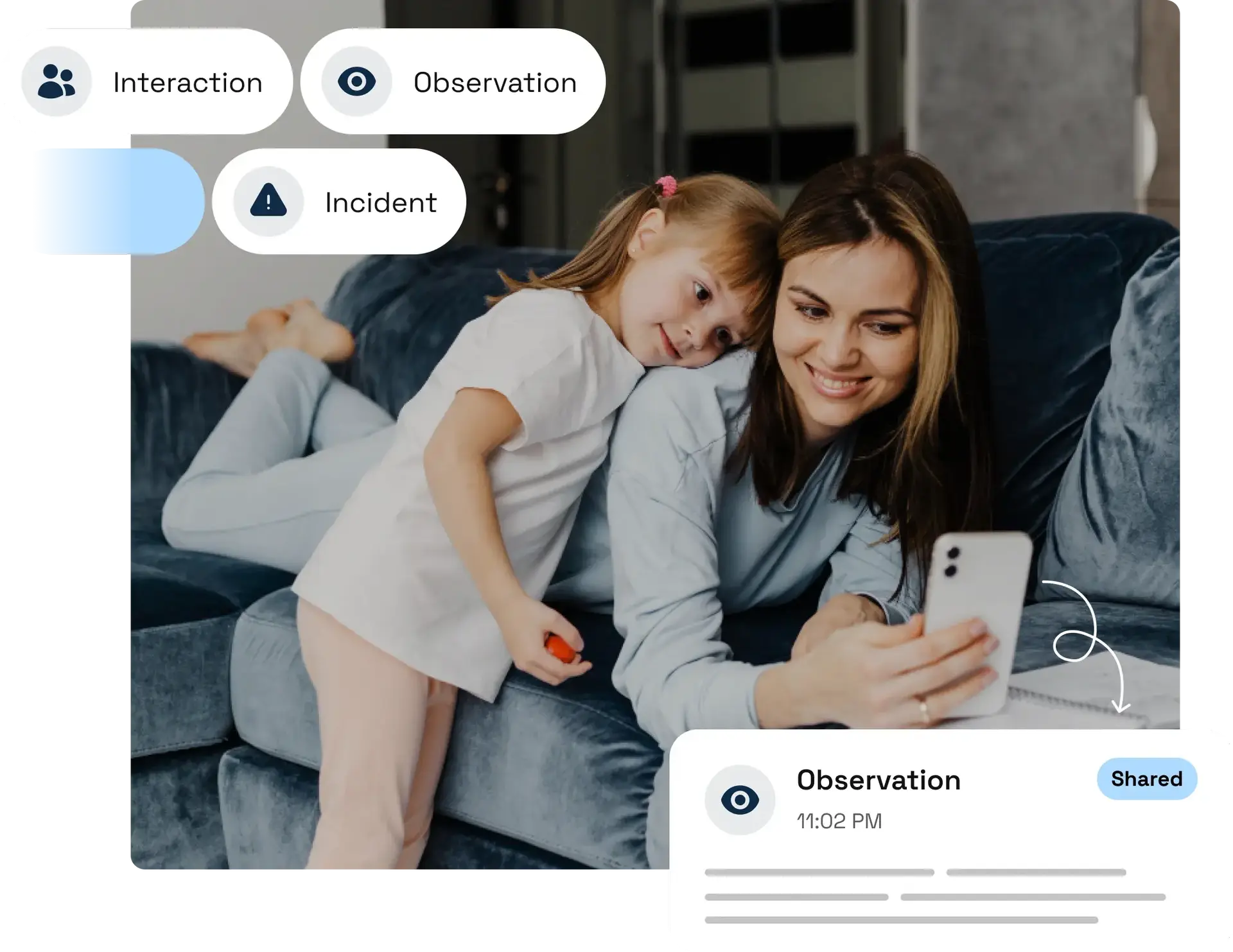
Supervisors log observations, interactions, incidents, and interventions from their phone while details are still fresh. Every note is timestamped, categorized, and linked to the right case—giving coordinators, attorneys, and courts a clear, organized record of each visit’s details and progress over time.
BUILT-IN TEMPLATES
Consistent, Compliant Notes Every Time
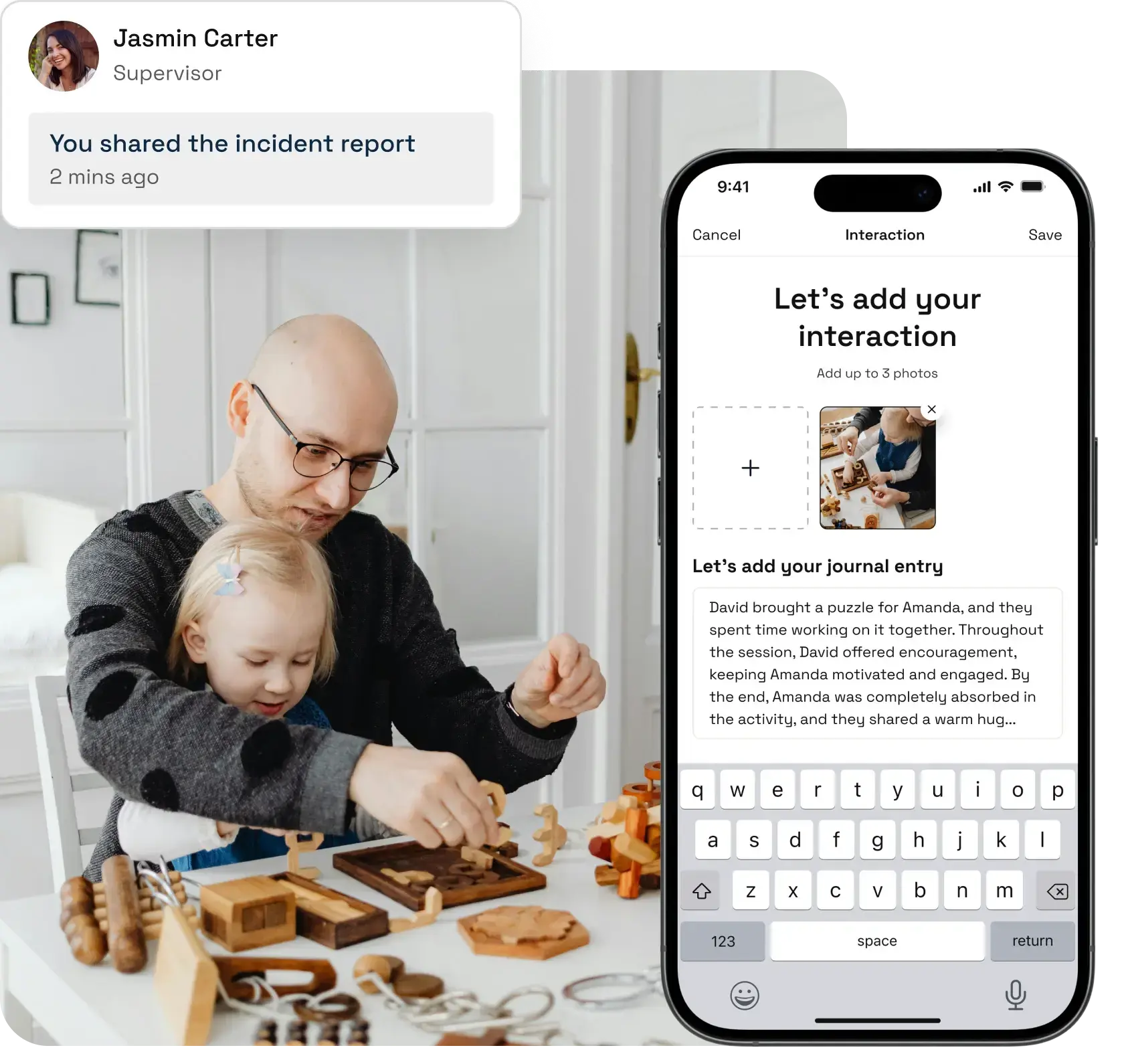
Purpose-built note templates for Observations, Interactions, Incidents, and Interventions guide supervisors through what to capture—so nothing critical is missed and every note meets compliance standards.
SHARE PROGRESS NOTES
Keep Every Stakeholder Informed
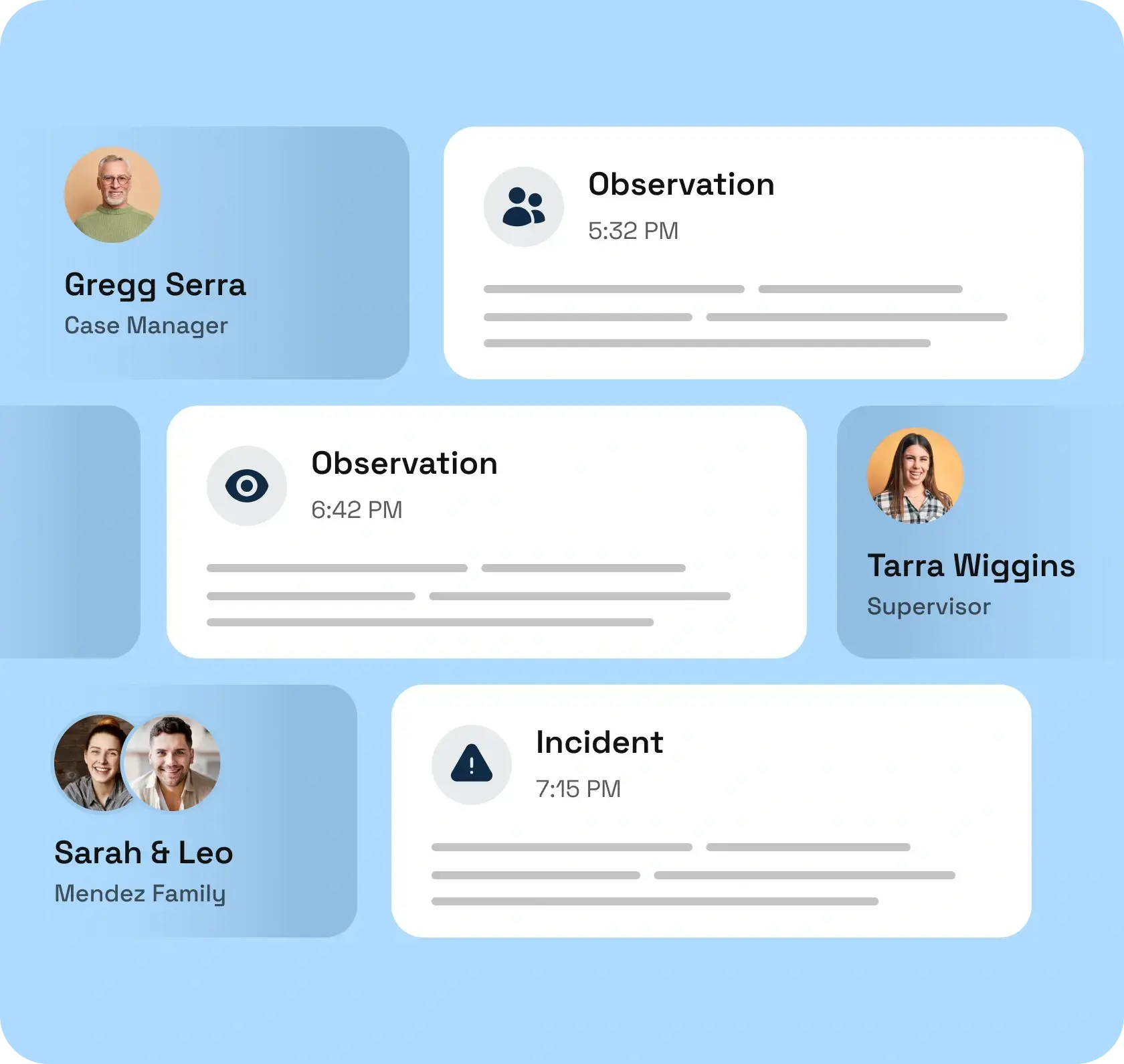
Coordinators review notes in real time. Case managers see the full history. Attorneys and courts receive organized, professional documentation—all without supervisors rewriting or reformatting anything.
Frequently Asked Questions
What are supervised visitation progress notes?
Progress notes are detailed, timestamped records of what happened during a supervised visit. They capture supervisor observations, parent-child interactions, any incidents or concerns, and actions taken—creating an official record that supports compliance, court reporting, and service delivery documentation.
Why are progress notes important for supervised visitation?
Progress notes serve as proof of service delivery, create a legal record of each visit, track progress toward court-ordered visitation goals, support case reviews and custody decisions, and provide a communication tool among staff, families, and legal representatives.
Are progress notes required for supervised visitation agencies?
In most jurisdictions, yes. Progress notes are typically required for regulatory compliance, court reporting, and payment documentation. Even where not strictly mandated, they are considered best practice and are routinely requested by courts and attorneys.
How does Visit Proof make writing progress notes easier?
Visit Proof provides categorized templates (Observations, Interactions, Incidents, Interventions) that guide supervisors through documentation. Notes are entered on mobile during or right after a visit, automatically timestamped and GPS-tagged, and instantly available to coordinators—eliminating end-of-day paperwork.
Can I attach photos to a progress note?
Yes. Supervisors can capture and attach photos directly to any note from their mobile device. Each image is automatically timestamped and GPS-tagged, providing verifiable visual documentation alongside written observations.
Ready to simplify your documentation?
Start your 30-day free trial and see how easy progress notes can be.